
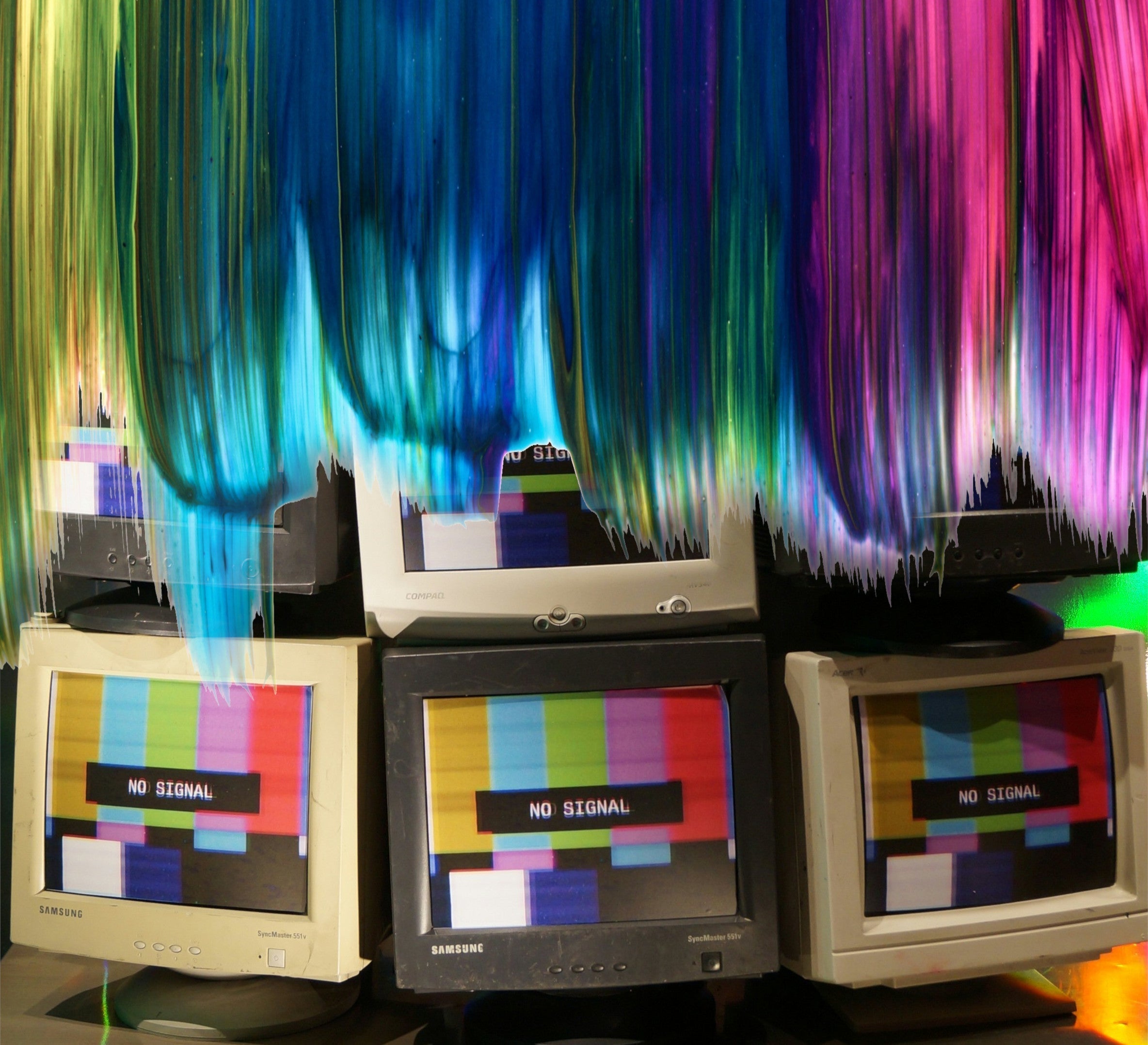
Ever had a commercial printer tell you that your artwork is in the wrong colour? Mention the 2 modes RGB & CMYK? Maybe you know the difference, but have never had a problem with anyone using RGB to print products. Here's the basics and why it matters.
RGB stands for Red, Green & Blue. Its a colour menu for displays made of light and can produce a huge array of tones and hues through 3 simple channels. If you turn all of the channels up to full, they create white and if you turn them all down to 0, they create black. Think of it like a light switch...All on is white and light, and all off is black and dark.
CMYK stands for Cyan, Magenta, Yellow & Black (more on K/black in the footnote*). These are a menu for print and are utilised in an arrangement of dots. These 4 colours can generate an absolutely massive, but not extensive amount of colour, by various quantity dots of each being printed at a microscopic level. Quite the opposite to our friend RGB, if you turn all of these channels up to full, you get black (a rich black- We will cover that in a later post) and if you have them at 0, you get white- because that is the colour of your paper/card.
So why can't you print RGB images? Well, the truth is you can. We know, that's very confusing, but this is why you shouldn't.
When sending print in the modern age, your artwork files likely get transported through at least one, if not two bits of software that communicate you file to whatever printing machine is producing the work. At the very least, one of these is known as a RIP (Raster Image Processor) and is called so, because it takes the information in your file and converts it into the data it requires to mechanically produce the image.
Part of this process will be ensuring that the colour is produced correctly. All printers will have a Print Profile loaded to help it translate the languages going on and they will all be a CMYK based language. This language then translates the colour codes so the result is as expected.
By setting up your artwork in the CMYK Profile used by the printer that will produce the artwork means you can have complete control over the outcome. Usually gained through experience, a designer can very accurately gauge warm or cool tones of all colours by understanding how the channels result and one can even produce colours very close to golds and silvers if you know how to tweak the right numbers.
If you send an RGB file to a printer, you will still achieve a print, however all of that control disappears and we are essentially crossing our fingers until the result comes out. Results have gone through a translator and come out as somethin a bit like what it should be They are usually ink heavy and very dark compared to the intention because of small mistranslations left up to the fates to decide.
Common results when printing an RGB model are murky browns where black should be, darker gradient fades (often affecting text) and slightly purple pale skin tones. There are many others that come up time and time again, but that's the bare bones of it.
You could of course convert the colour mode of the RGB file in CMYK, but really this is the same action. its just that the gamble is at the software stage. We always advise that if you are starting to design, ensure you are in the CMYK mode to begin with and get used to typing numbers into the CMYK values as opposed to a colour picker. Take control of your colour and your results will be all the better for it.
*Footnote: K stands for the black channel and is actually called "Key line". CM and Y channels can produce a dark but imperfect black, and the definition and depth required in print uses black for higher precision whilst lowering ink consumption, dry time and any distortion or tearing from over saturating the substrate. It is "key" to combining the other three colours for depth and definition.


